
Diff Viewer
Lody syncs file updates made by the coding agent in real time after each conversation round.
Diffs for the Current Round
When you ask AI to edit code and modify files, Lody compares the file state before and after that conversation round. At the end of the round, it shows all file changes and changed line counts below the coding agent message bubble.
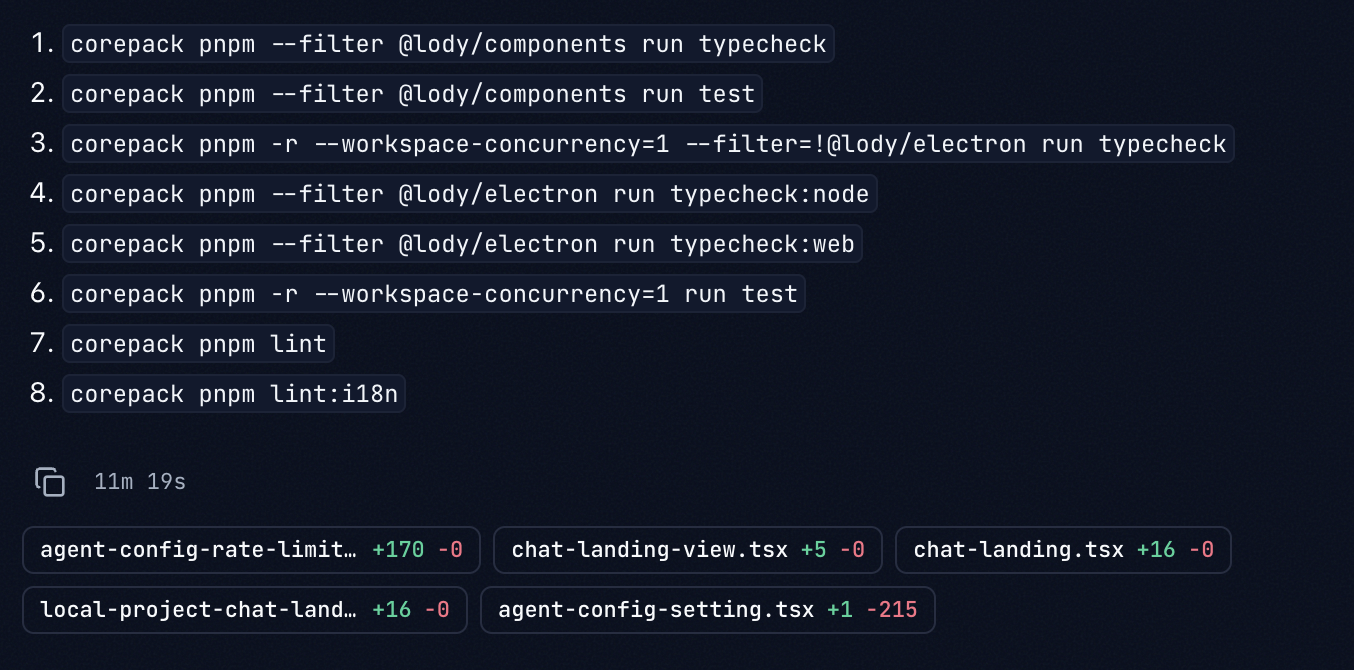
Click any file to open the diff panel and jump to that file. The first click may take a little extra time while data syncs and loads.
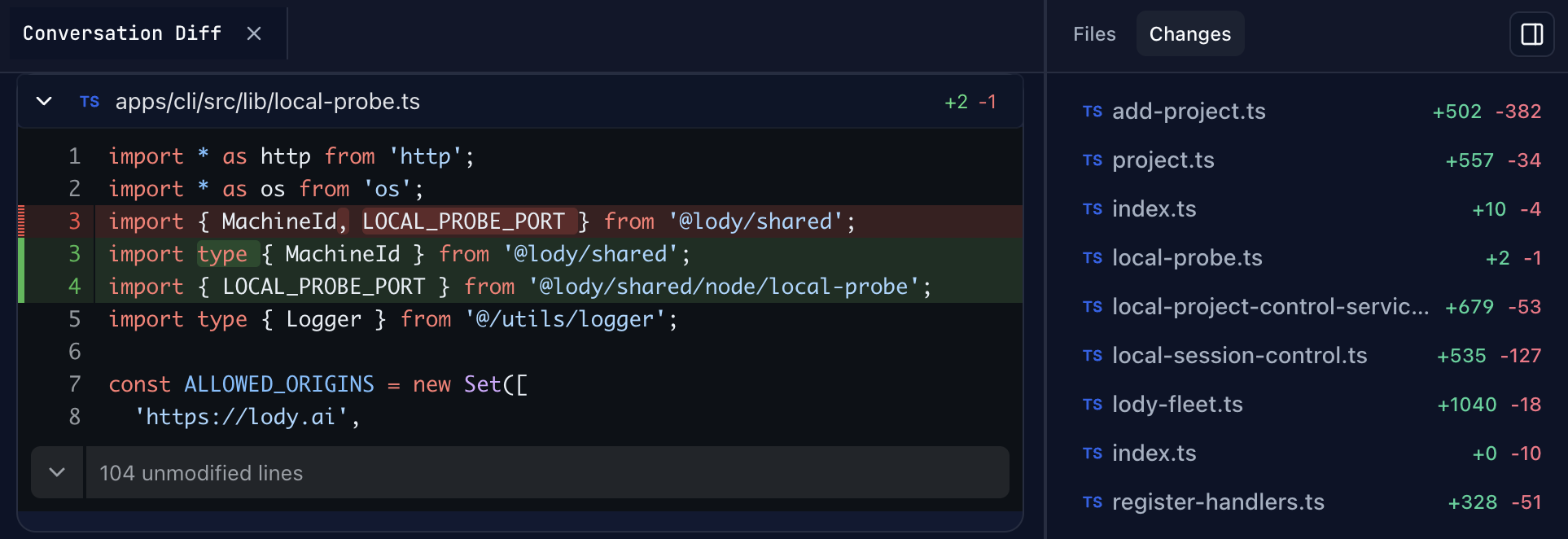
You can also click the expand control in the panel to view unchanged sections of the file.
Diffs Across the Whole Conversation
In addition to round-level changes, you can click the sidebar expand button in the top-right corner of the chat interface to open the Files and Changes sidebar.
In the Changes tab, you can view all file changes in the current conversation.