Team Features
Lody has supported team collaboration from day one. You can share agent configs and full conversation context with your team. More team capabilities are planned, including docs, skill management, member mentions, and task management.
Invite Members
Go to Settings -> Workspace -> Members, then click Invite Member. Enter the member's GitHub-linked email and choose their role before sending the invite.
After inviting, the member receives an email invitation. You can also copy the invite link and send it manually.
Change Member Permissions
Workspace owners and admins can change a member's permissions from the edit action on the right side of the member list.
Remove Members
Workspace owners and admins can remove members using the remove action on the right side of the member list.
View Other Members' Sessions
On the home page, click the filter button on the right side of the GitHub WorkTree list to switch between your own sessions and all team sessions. Avatars indicate who started each session.
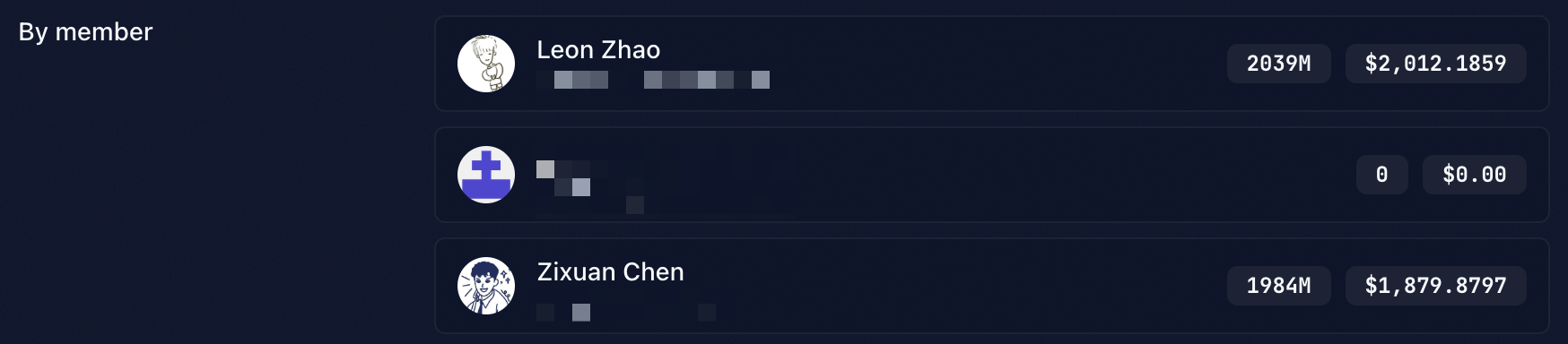
Token Usage by Member
In Settings -> Workspace -> Usage, you can view total AI token usage. Click Details to view usage breakdowns by member.