Notifications
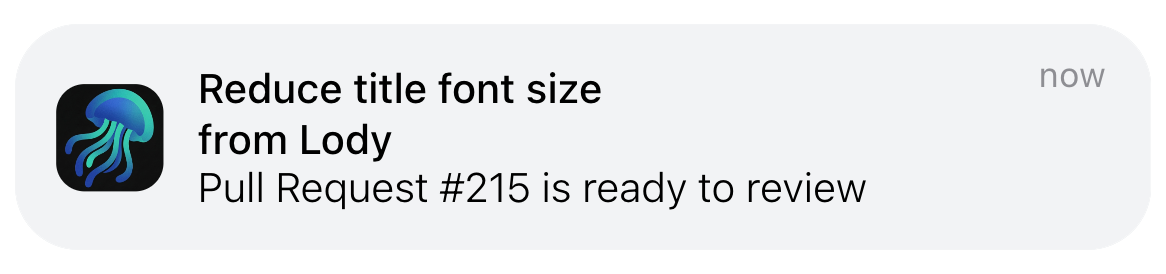
Lody sends push notifications to your devices when a coding-agent conversation finishes, asks for permission, or encounters an error, so you can stay on top of session status.
Enable Notifications
Desktop Browser
On desktop, go to Settings -> General -> Push Notifications to enable notifications.
After you click it, your browser asks whether to allow notifications. Click Allow.

Mobile PWA
On mobile, first install Lody as a PWA, then enable notifications from Settings -> General -> Push Notifications.