
CLI Type Support
Lody now supports more CLI runtime types through the ACP Registry.
How to configure
Go to Settings -> Agent Config -> Click the add button. In the popup, set a name and choose the CLI type you need. If the type is not Claude Code or Codex, a test button will appear. Click it to verify CLI availability. This also initializes the model list and runtime mode list based on your login or API info.
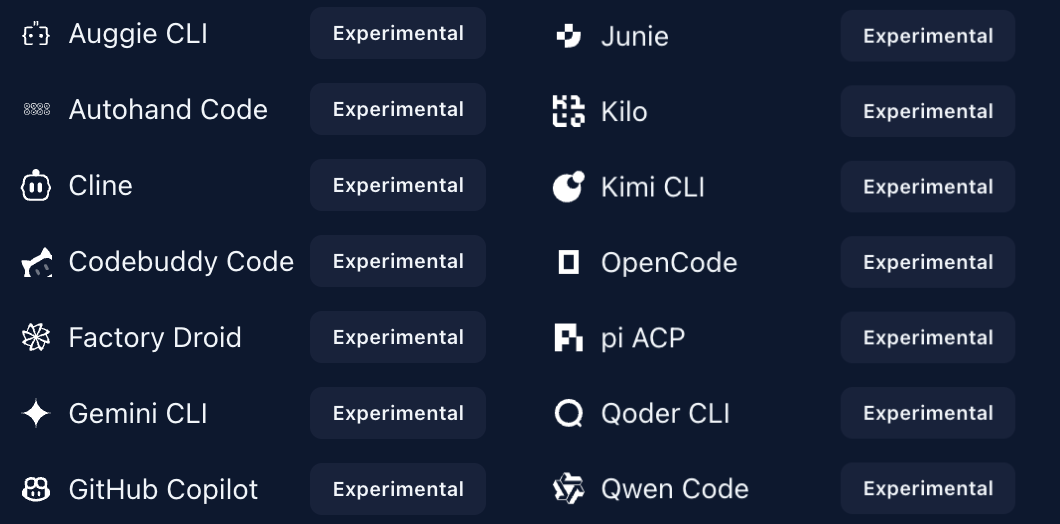
Supported list
- Auggie CLI: Software engineering agent CLI from Augment Code.
- Autohand Code: Coding agent from Autohand AI.
- Cline: Autonomous coding agent CLI.
- Codebuddy Code: AI coding tool from Tencent Cloud.
- Factory Droid: Coding agent from Factory AI.
- Gemini CLI: Official Gemini CLI from Google.
- GitHub Copilot: AI coding assistant from GitHub.
- Junie: AI coding agent from JetBrains.
- Kilo: Open-source coding agent CLI.
- Kimi CLI: Coding assistant CLI from Moonshot AI.
- OpenCode: Open-source coding agent.
- pi ACP: ACP adapter for the pi coding agent.
- Qoder CLI: AI coding assistant with agent capabilities.
- Qwen Code: Qwen coding assistant CLI from Alibaba Cloud.
Notes
- Some runtime types may be experimental.
- Before use, make sure required login credentials are already configured on the host where lody CLI runs.
opencodeandkimiCLI must be installed on the host first.- Model availability depends on local installation status and account permissions.