
Mobile Access
Lody is built as a Progressive Web App (PWA), giving you an app-like experience on your mobile device.
Installing the PWA
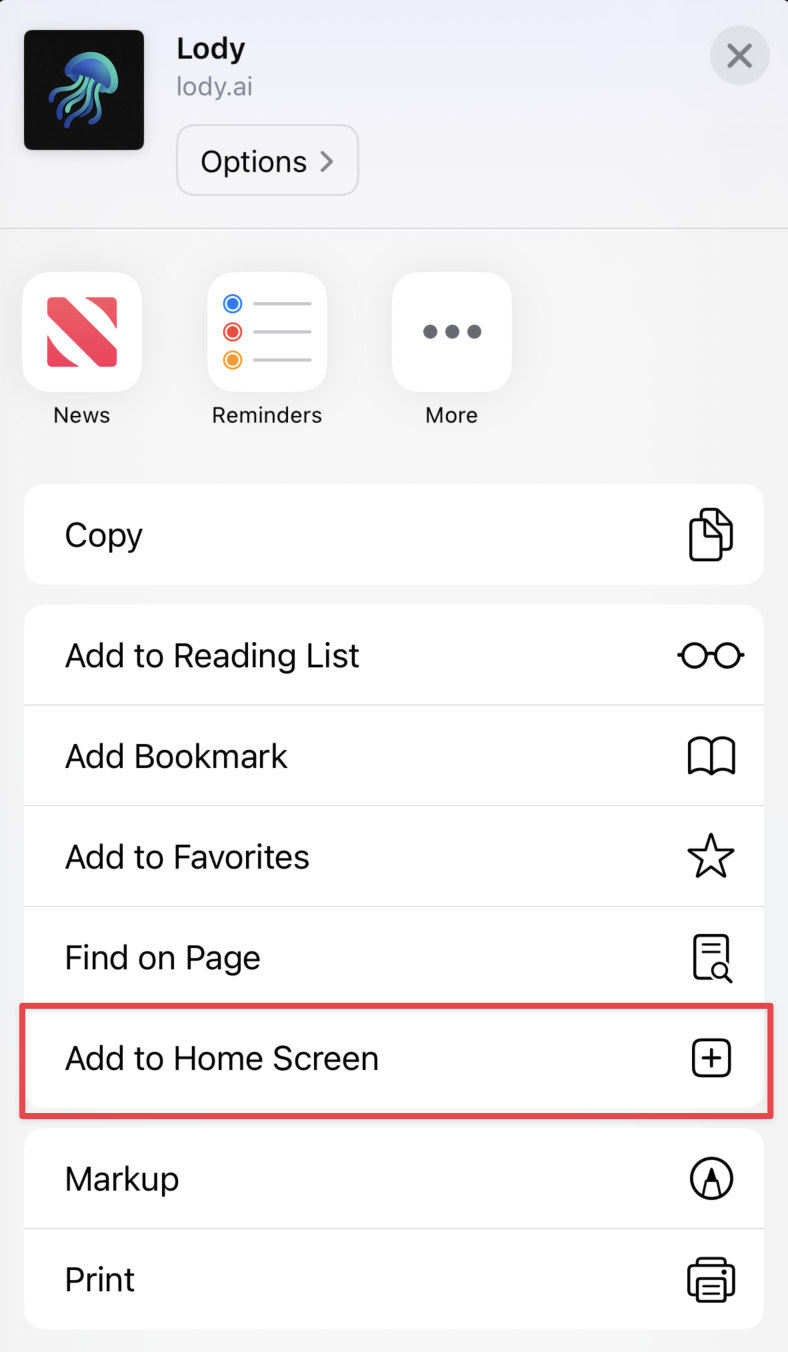
iOS (Safari)
- Open lody.ai in Safari
- Tap the Share button
- Select "Add to Home Screen"
- Tap "Add"
Android (Chrome)
- Open lody.ai in Chrome
- Tap the menu (three dots)
- Select "Add to Home Screen"
- Tap "Add"
Features
Push Notifications
Get notified when:
- A task completes
- An agent needs approval
- A PR is ready for review
Enable notifications in Settings > General > Push Notifications.
Monitor Progress
Watch your agents work in real-time:
- Live terminal output
- File changes
- Session diffs and review comments
Offline Support
The Lody PWA works offline for:
- Viewing cached conversations
- Reviewing saved diffs
Changes sync automatically when you're back online.