
Context, Token & Quota
Lody provides a unified way to track context window usage, token usage/cost, and subscription quota.
Context window remaining capacity
In session chat, each AI reply can show the remaining context window percentage.
Use this indicator to:
- avoid context overflow,
- decide when to summarize or start a fresh session,
- keep long-running tasks stable.
Context Compression
You can manually run the built-in /compact command in Claude Code or Codex to compress context, but lody currently does not support the related UI update, so you will not see any agent replies.
Token usage and estimated cost
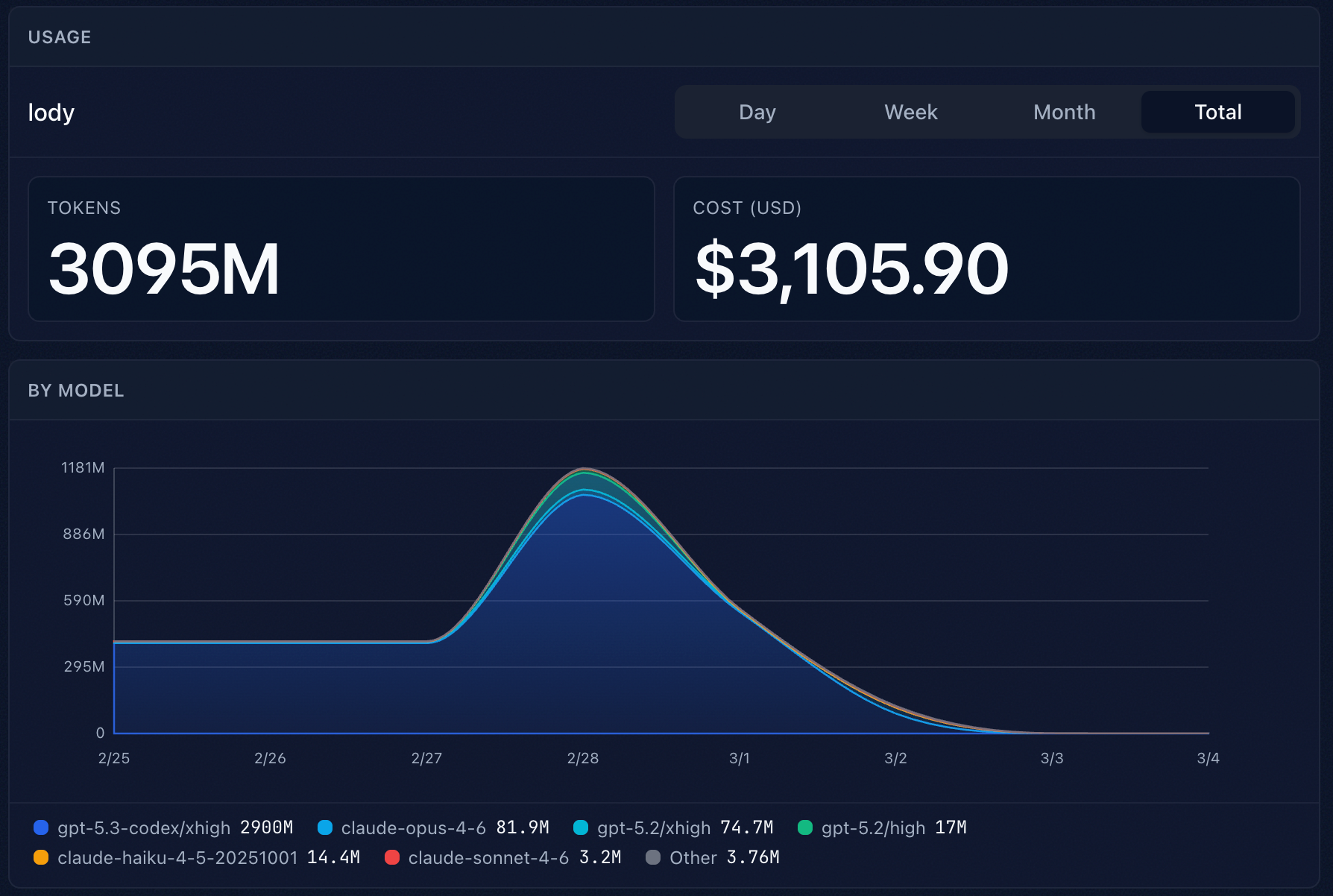
In Settings -> Stats, you can view token usage trends and estimated cost by time range (day, week, month).
Subscription quota visibility
In Settings -> Agent Config -> Machines, Lody shows remaining quota and refresh times for supported subscription windows (for example, 5-hour and 7-day windows).