
Image Input
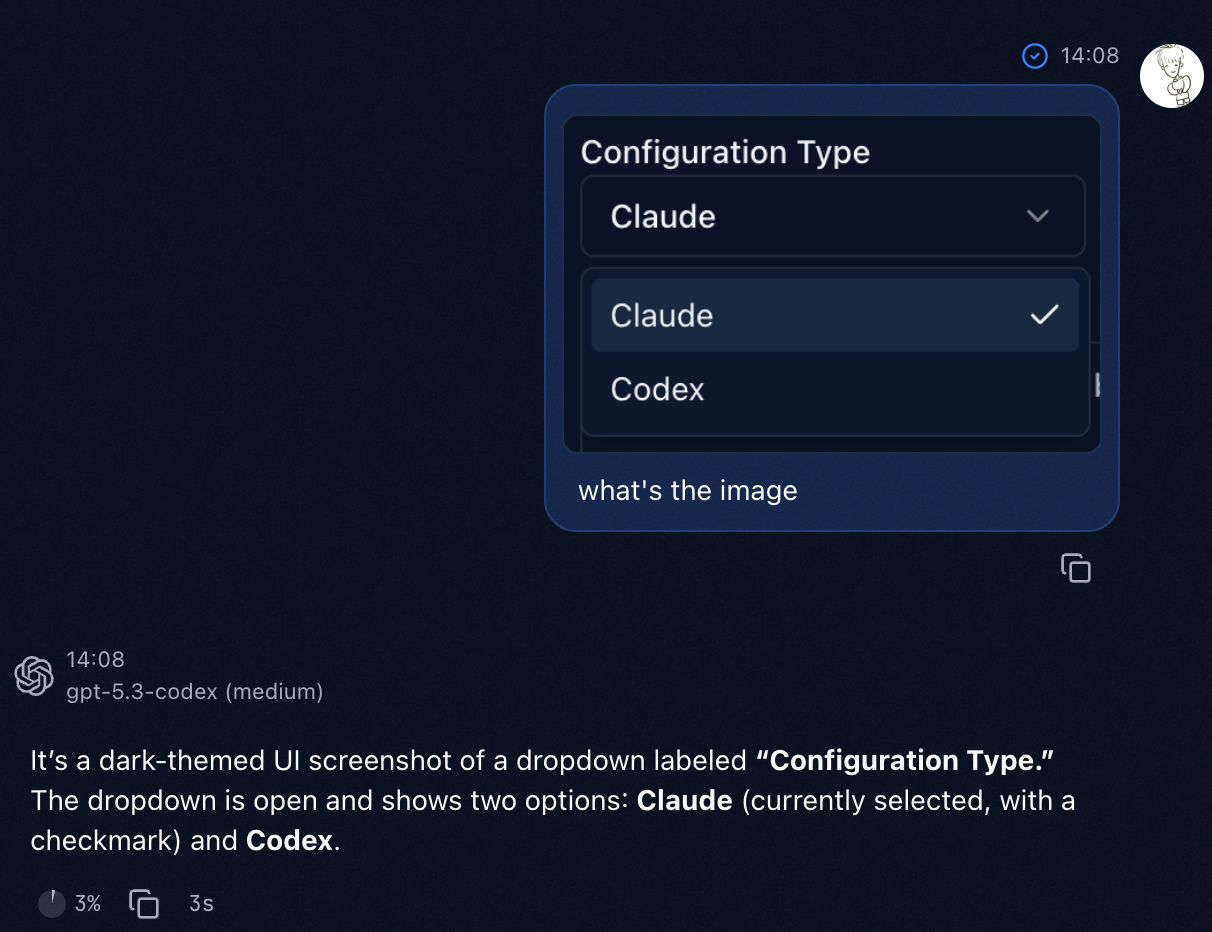
Lody supports image input in session chat. You can send screenshots, UI mocks, error captures, and other visuals as part of the prompt context.
Use cases
- Explain visual bugs with direct screenshots.
- Ask AI to read UI details from images.
- Combine image evidence with code context in one turn.
How to use
- Open a session chat.
- Click the add-image button at the bottom-right of the input area, or use a shortcut to paste image data from clipboard.
- Enter your instruction and send.
WARNING
Image capability depends on the current model. Make sure your selected model supports vision input.